Categories
Zeoniq POS - How to Cancel Receipt
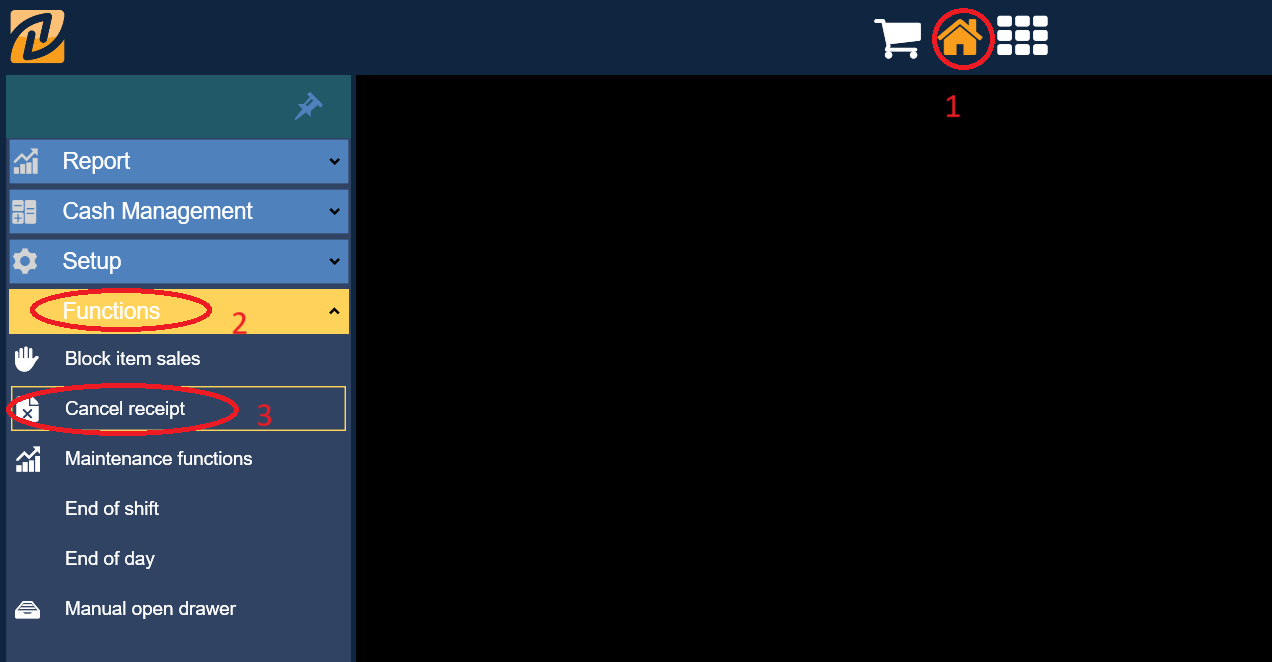
1. Go to top menu house icon (1) > side bar "Functions" (2) > "Cancel receipt" (3).
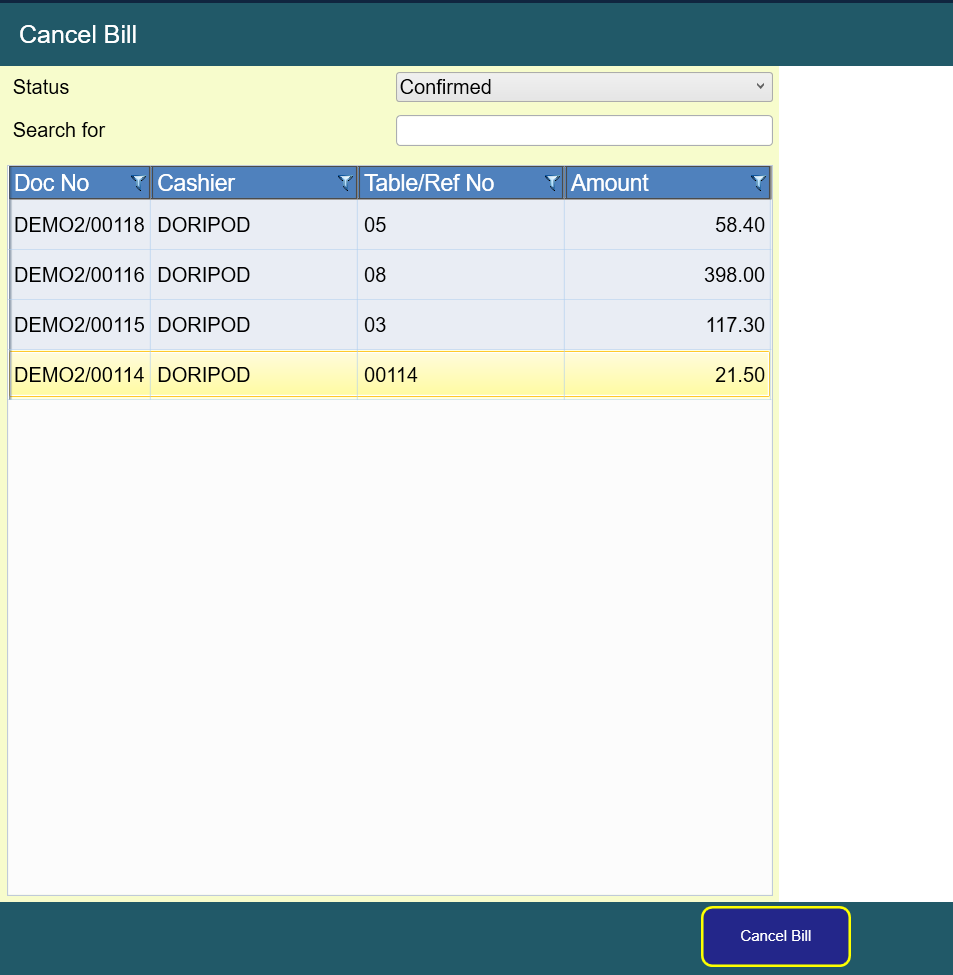
2.
Choose and highlight the desired receipt, then click "Cancel Bill" button at the bottom.
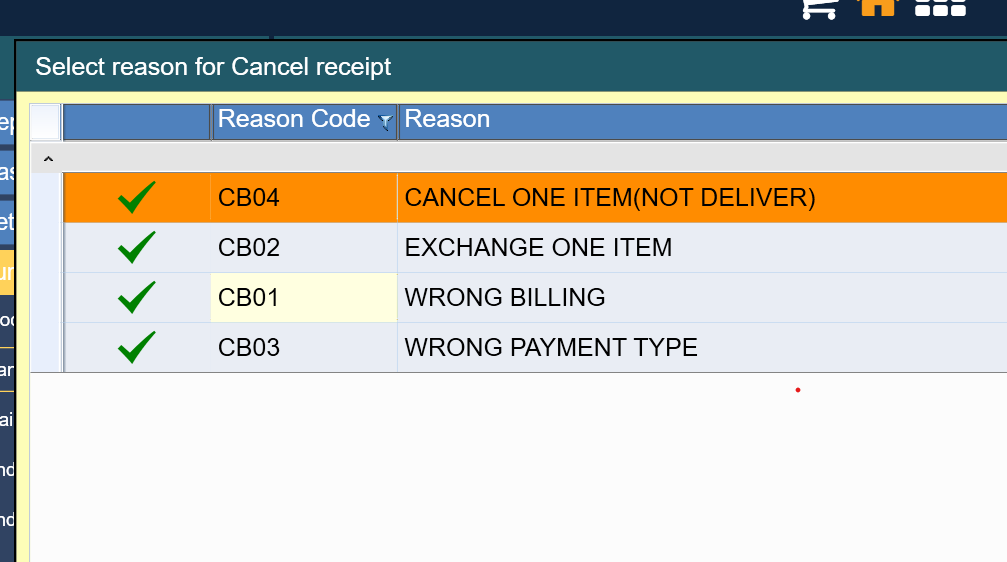
3. Choose the reason for cancelling the receipt. To add other reasons, may contact your POS service provider to add them in.
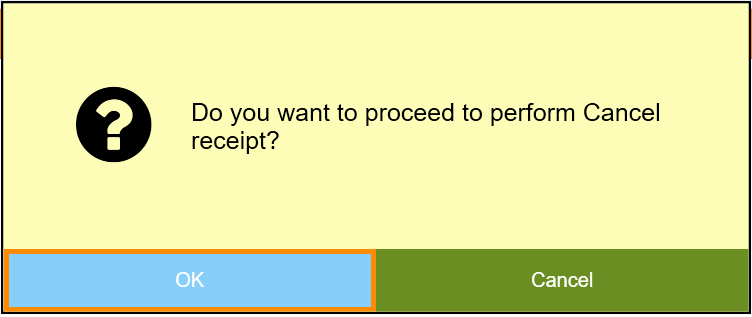
4. Click "OK" after confirming you want to cancel the receipt
.
5. Click "Yes" if you want previous order to be key in order cart again
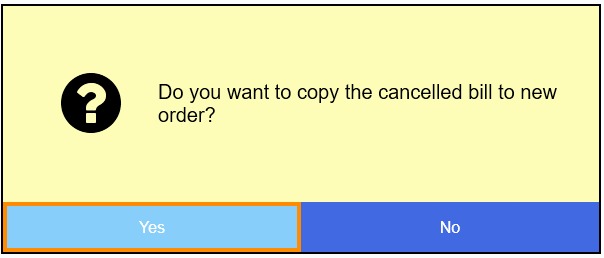
6. After that, the receipt has been cancelled and it will show on the X or Z report.