Categories
4. How to create purchase invoice
Purchase Invoice (PI)
- Used to record the supplier’s bill after receiving the goods.
- To confirms the amount you owe to the supplier based on the delivery.
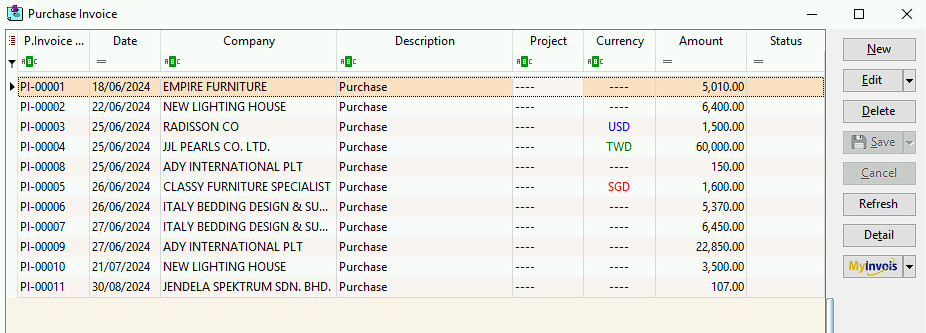
Purchase Invoice Listing
Purchase Invoice – Entry Guide
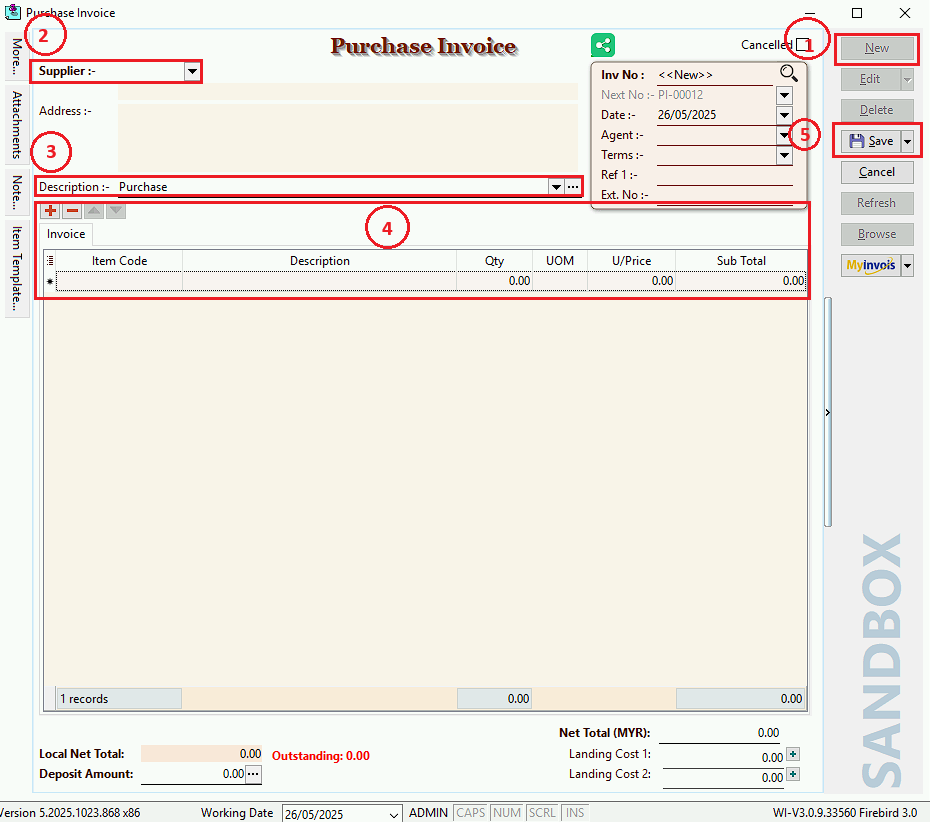
- Click New to create a new Purchase Invoice.
- Supplier (Optional): can leave it blank, or press the dropdown button to select a supplier from the list.
- Write a description to explain.
- Select the items to record.
- After completing, click the save button to save your changes.
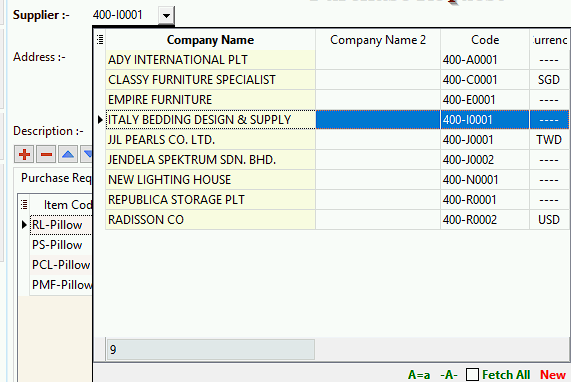
Supplier Listing
- The blue highlighted row shows which supplier you selected.
- Once clicked to selected, the supplier code and address will be filled in automatically.